3D Websites with WebGL: When They're Really Worth It
3D websites with WebGL and Three.js: which businesses they suit, how to keep them smooth on phones, and why content, accessibility and SEO still come first.

A 3D website is worth it when the space, the product or the experience itself is the message: a winery and its vineyards, a holiday region, a product people want to turn in their hands. For sites that mainly deliver information, 3D is usually dead weight. What matters is that your content stays plain HTML, the scene runs smoothly on phones, and older devices get a fallback.
WebGL and Three.js in two sentences
WebGL is an interface that lets websites use the graphics chip directly, with no plugin, in every major browser. Three.js is a free library built on top of it that makes scenes, cameras, lighting and 3D models manageable.
Its successor, WebGPU, has now landed in all major browsers according to web.dev, but not yet on every device and operating system. For websites that need to work for everyone, WebGL remains the safe foundation.
When 3D is worth it
3D shines when it shows something a photo can’t: space, shape, movement, how things fit together.
| Industry | Typical use | What 3D adds |
|---|---|---|
| Products (furniture, tech, jewellery) | rotatable product view, colours and variants | customers see the product from every side before buying |
| Tourism and destinations | explorable landscapes, hiking routes, panoramas | people want to go before they’ve arrived |
| Wineries | vineyards as a landscape, the grape’s journey to the bottle | origin becomes visible instead of just claimed |
| Real estate | building model, units within the building, the neighbourhood | orientation long before construction is finished |
| Brands and campaigns | an experience around a product or launch | a site people talk about and share |
When it isn’t
Honestly: often. 3D is a poor fit when
- visitors need information fast, like a doctor’s opening hours or a government form
- the scene would be pure decoration with nothing to say
- there are no good 3D models and no budget to create them
- the deadline is so tight there’s no time to test on real devices
In those cases, good photos, clear copy and subtle animation do more. A fast, good-looking site without 3D beats a slow one with it.
Typical building blocks
Particles
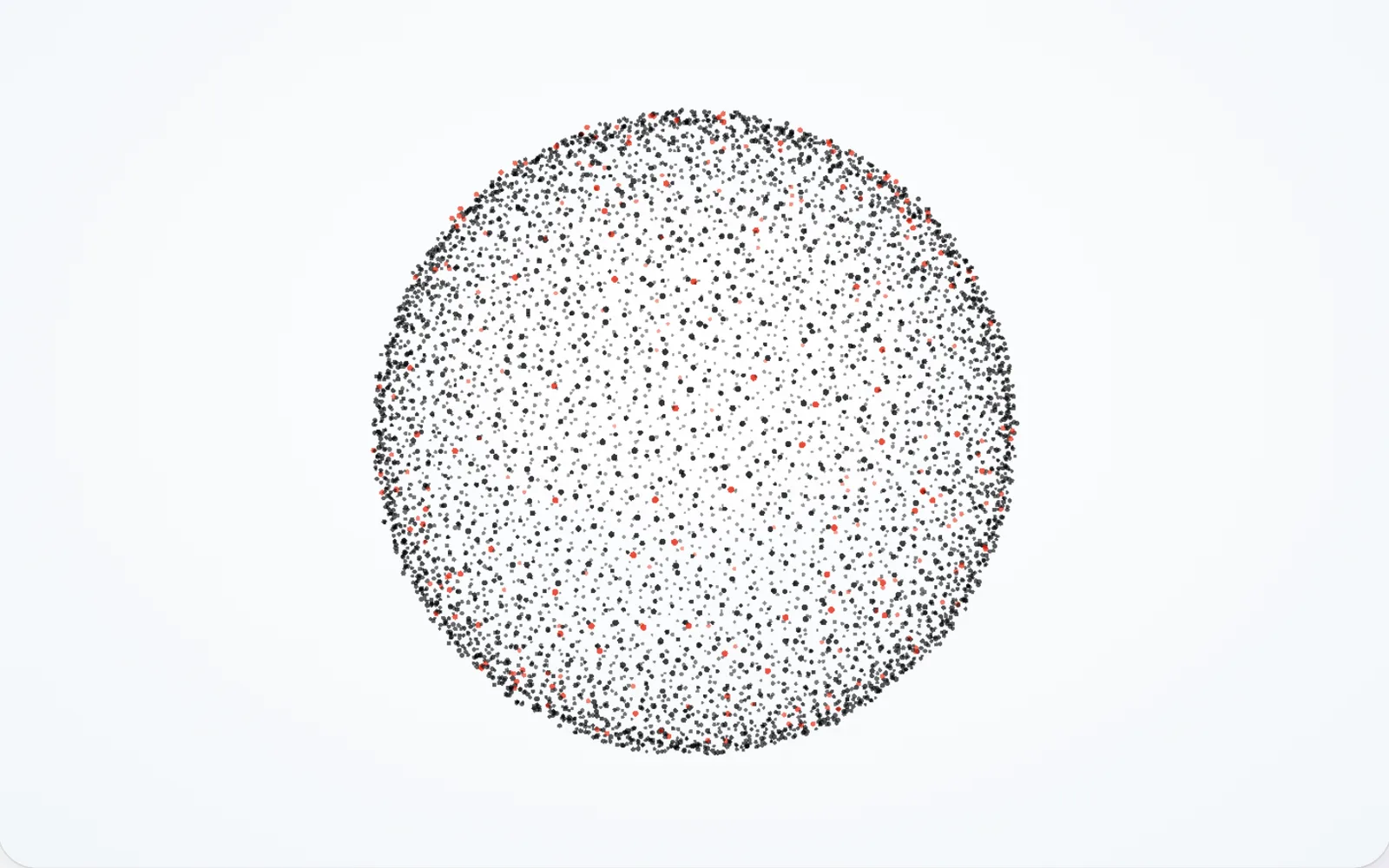
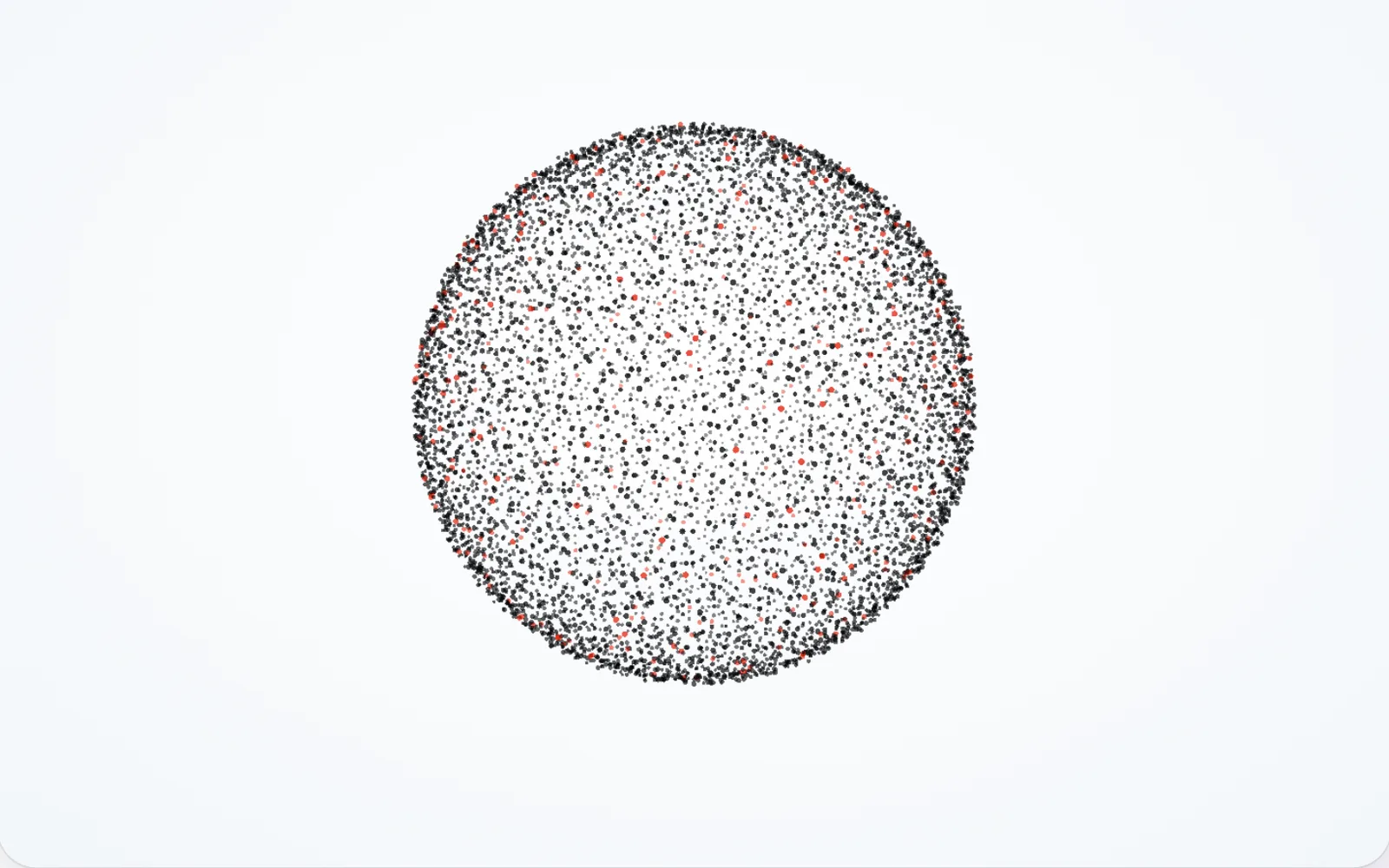
Thousands of tiny points that gather into shapes, scatter and regroup. Particles feel light and modern and don’t need elaborate 3D models. Our own homepage is an example: as you scroll, particles form our wordmark, then a globe with connections around the world, then a browser window. If your device is set to reduce motion, you get a calm, static version instead.
Scroll animation
The scene follows your scrolling: the camera glides through a landscape, a product takes itself apart. Tools like GSAP ScrollTrigger tie the animation to the scroll position. One rule: normal scrolling stays intact. Sites that hijack scrolling quickly feel sluggish.
3D product views
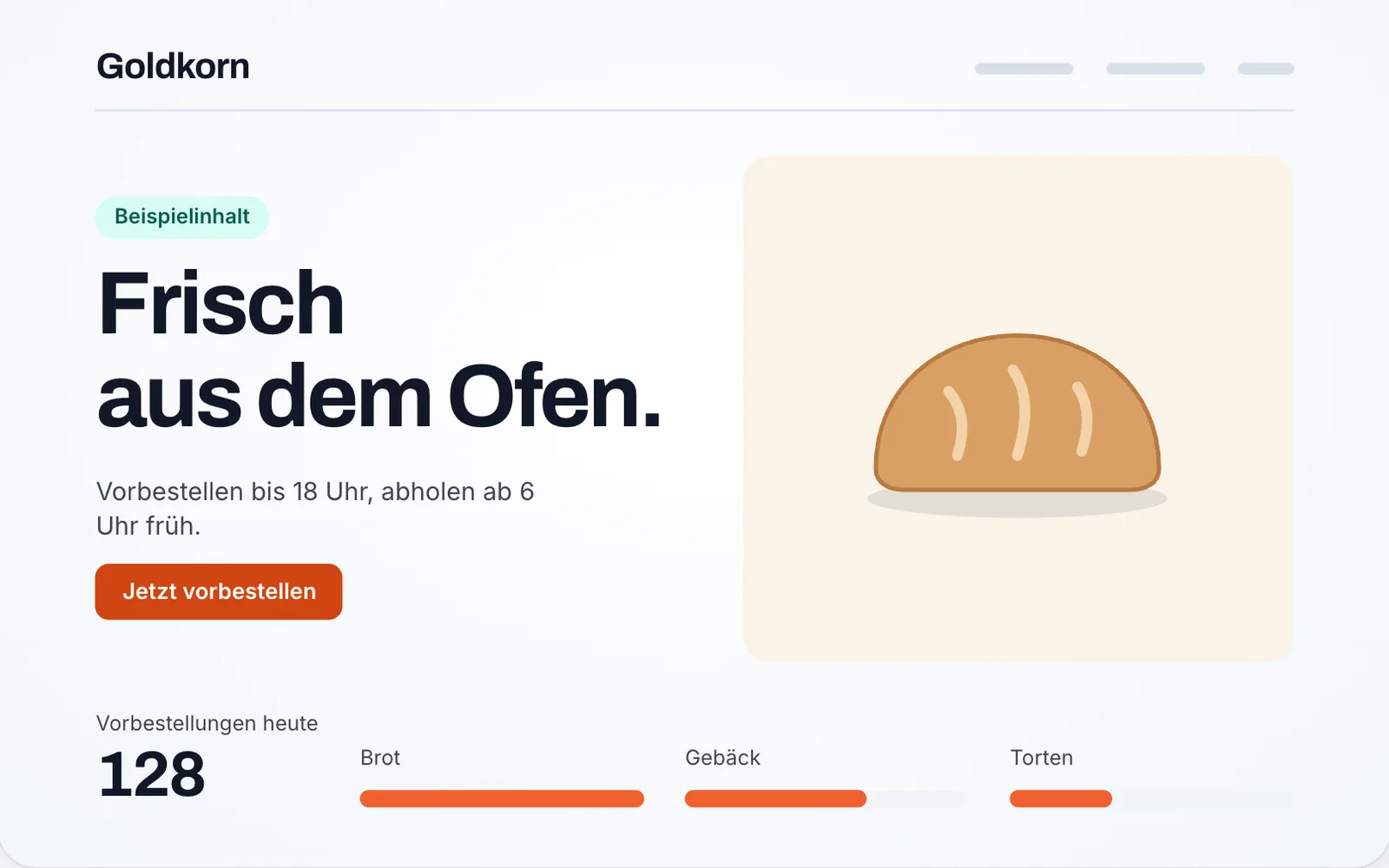
A model you rotate and zoom with your finger or mouse. The standard format is glTF, which the Khronos Group itself calls “the JPEG of 3D”. For simpler cases, Google’s ready-made model-viewer component also offers an augmented reality view on many phones, so people can place the product in their own room.

Shader backgrounds
Flowing colour, light or texture behind your content, calculated directly on the graphics chip. Used with restraint, they add depth without pulling attention away from the text.
Motion graphics
Animated logos, type and figures as a short, designed sequence: built in code rather than as a video. It stays crisp at any size, weighs only a few kilobytes and can be paused at any time. Good motion graphics follow the same rules as animation film – anticipation, follow-through, staggered timing – so movement feels natural and guides the eye.

We also offer motion graphics as a service of its own – logo animations, launch films and social clips, rendered as video. You will find examples on our motion graphics page, and what each format does and costs in the article Motion graphics for business.
Performance on phones
Almost anything runs smoothly on a developer’s machine. The truth comes out on a three-year-old mid-range phone. Here’s what we watch:
- Content first: text and images load right away, the 3D scene afterwards. That keeps main content load times in the green zone of Google’s Core Web Vitals.
- Small files: compressed models, reduced polygon counts, textures in KTX2, a format the Khronos Group developed for lean graphics data.
- Less on weaker devices: fewer particles, lower resolution, simpler effects. The page checks the device and adapts.
- Pause when out of sight: when the scene scrolls out of view or the tab is in the background, it stops rendering. That saves battery and keeps phones from heating up.
- Test on real hardware: iPhone and Android, old and new, in low-power mode.
Accessibility and reduced motion
Motion isn’t comfortable for everyone. For people with vestibular disorders, heavy animation can cause dizziness or nausea, as the W3C’s explanation of WCAG 2.3.3 describes.
- Respect reduced motion: people who turn on “reduce motion” in their operating system pass that on to the browser (MDN: prefers-reduced-motion). We then show static states instead of camera moves.
- Let people pause: if an animation starts by itself and runs for more than five seconds alongside other content, there must be a way to stop it. That’s WCAG 2.2.2, and it’s already required at the basic level A.
- Screen readers: to a screen reader, a 3D scene is an empty picture. Purely decorative scenes are hidden from assistive technology, and anything important also exists as text.
- Keyboard: product views can be rotated with the arrow keys, and controls are ordinary, focusable buttons.
- Contrast: text over a moving background must stay readable at every moment.
Fallbacks for older devices
Not every device supports WebGL, and sometimes the browser loses its connection to the graphics chip mid-session (the event is called webglcontextlost). A good 3D site plans for that:
- On load, the page checks whether WebGL is available. If not, a calm still image appears instead of the scene.
- If the scene fails, the still image stays put, with no error message.
- Without JavaScript, the heading, copy and links are still all there.
What visitors see, device by device
- WebGL available, motion allowedThe full 3D scene
- “Reduce motion” is switched onA calm, static version
- No WebGL, or the scene failsA still image, no error message
- JavaScript is offHeading, copy and links as plain HTML
That’s exactly how our homepage handles it: if WebGL isn’t available, visitors see a static hero and everything else works as usual.
SEO: content stays HTML
Whatever is drawn into a 3D scene is pixels to a search engine, not text. Google does process JavaScript, but it still recommends server-side or pre-rendered HTML because it’s faster and not every crawler runs JavaScript (Google Search Central: JavaScript SEO basics). In practice:
- Headings, copy and links are real HTML on the page, not inside the canvas.
- Links are ordinary links with real URLs, so Google can follow them.
- The main heading is visible immediately, not after a loading screen.
- 3D is layered on top. If it drops away, a complete page remains.
Built this way, 3D won’t hurt your visibility. A site people remember is more likely to be shared and linked to, and that in turn helps search.
Where the 3D models come from
A scene is only as good as its assets. Models typically come from one of three places:
- Existing CAD data: manufacturers often already have technical 3D files of their products. These are usually far too detailed for the web, so they get simplified and exported as glTF.
- 3D scanning: many photos of an object or room are turned into a model. That works well for wine cellars, sculptures or handmade pieces.
- Modelled from scratch: a 3D artist builds the model from the ground up. It’s the most flexible option and the most time-consuming.
Particles and shaders, on the other hand, often need no finished model at all. That makes them a good starting point when you don’t have 3D data yet.
How we approach it
We start with one question: what should the scene say? Only then do we decide whether particles, a model or a landscape fits. We test a first prototype on a phone early, before polishing details. That shows quickly whether the idea holds up.
If you’re wondering whether 3D suits your product or brand, there’s more on our 3D websites page. Or tell us through the contact form what you’d like to show. We’ll also tell you if it works better without 3D.
Frequently asked questions
Are 3D websites bad for SEO?
Not if they're built properly. Headings, copy and links need to be regular HTML on the page, with the 3D scene added on top. Problems only start when content lives solely inside the 3D image or heavy files make the page slow.
Do 3D websites work on phones?
Yes, current smartphones handle WebGL well. What matters is compressed models and textures and a scene that scales down on weaker devices. That's why we always test on real mid-range phones, not just on a developer's laptop.
What happens on devices that don't support WebGL?
A well-built site shows a calm still image or a simple graphic instead, with no error message. All content stays readable and usable because none of it depends on the 3D part.
What's the difference between WebGL and Three.js?
WebGL is the browser interface that lets websites use the graphics chip. Three.js is a free library built on top of it that makes cameras, lighting, materials and 3D models far easier to work with.


